Streamlined Client Communication with WhatsApp ToolBox Message Templates
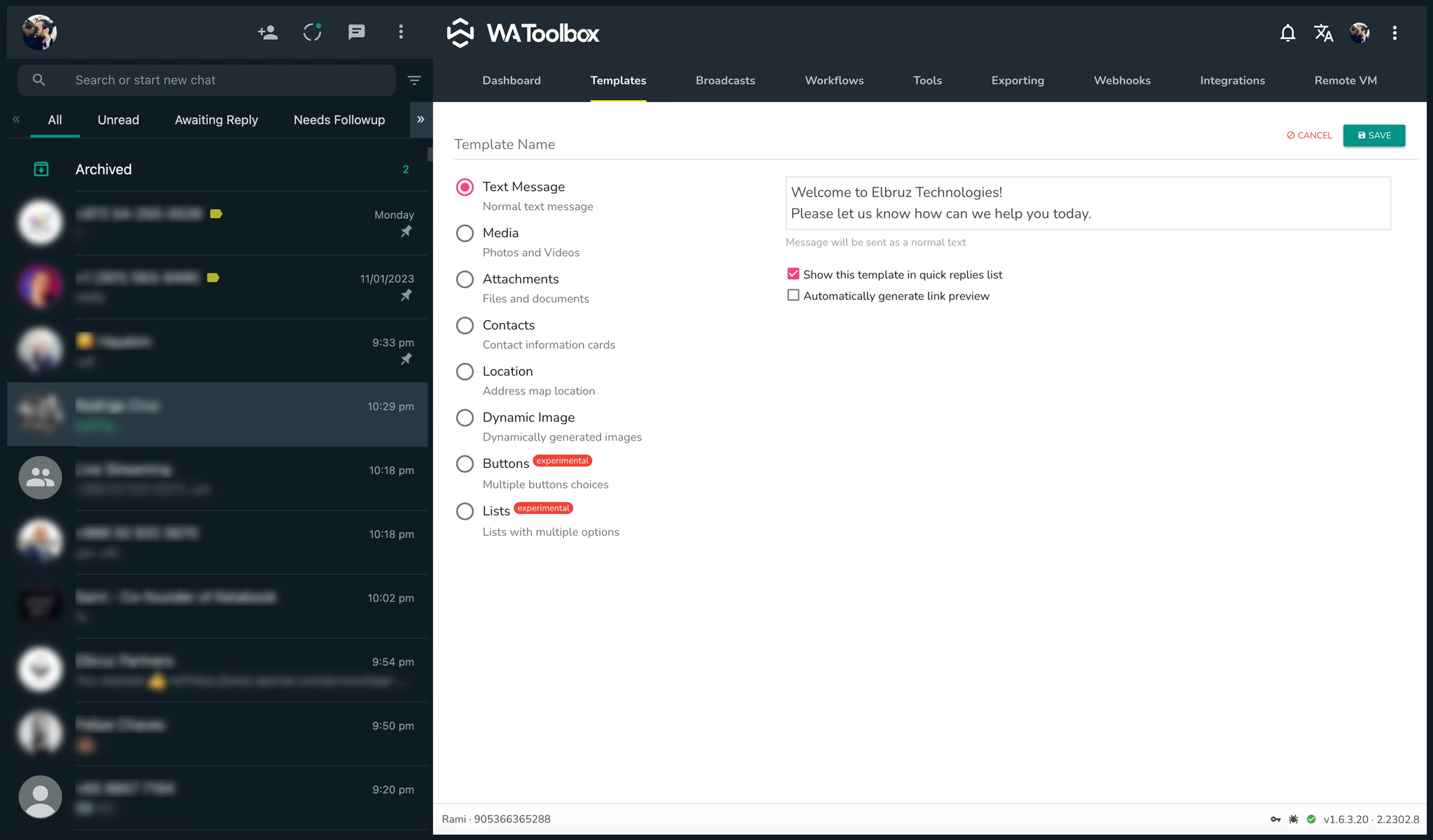
WhatsApp ToolBox offers powerful message templates to simplify client communication. By preparing commonly used messages in advance, you can save time and ensure consistency in your business interactions. Begin by setting up templates after installing the app—WhatsApp ToolBox supports eight types of message templates for various needs:
1- Text Message Templates: Use these simple text templates for frequently sent messages. Enable the quick-reply option for easy access, allowing you to send messages to clients instantly.
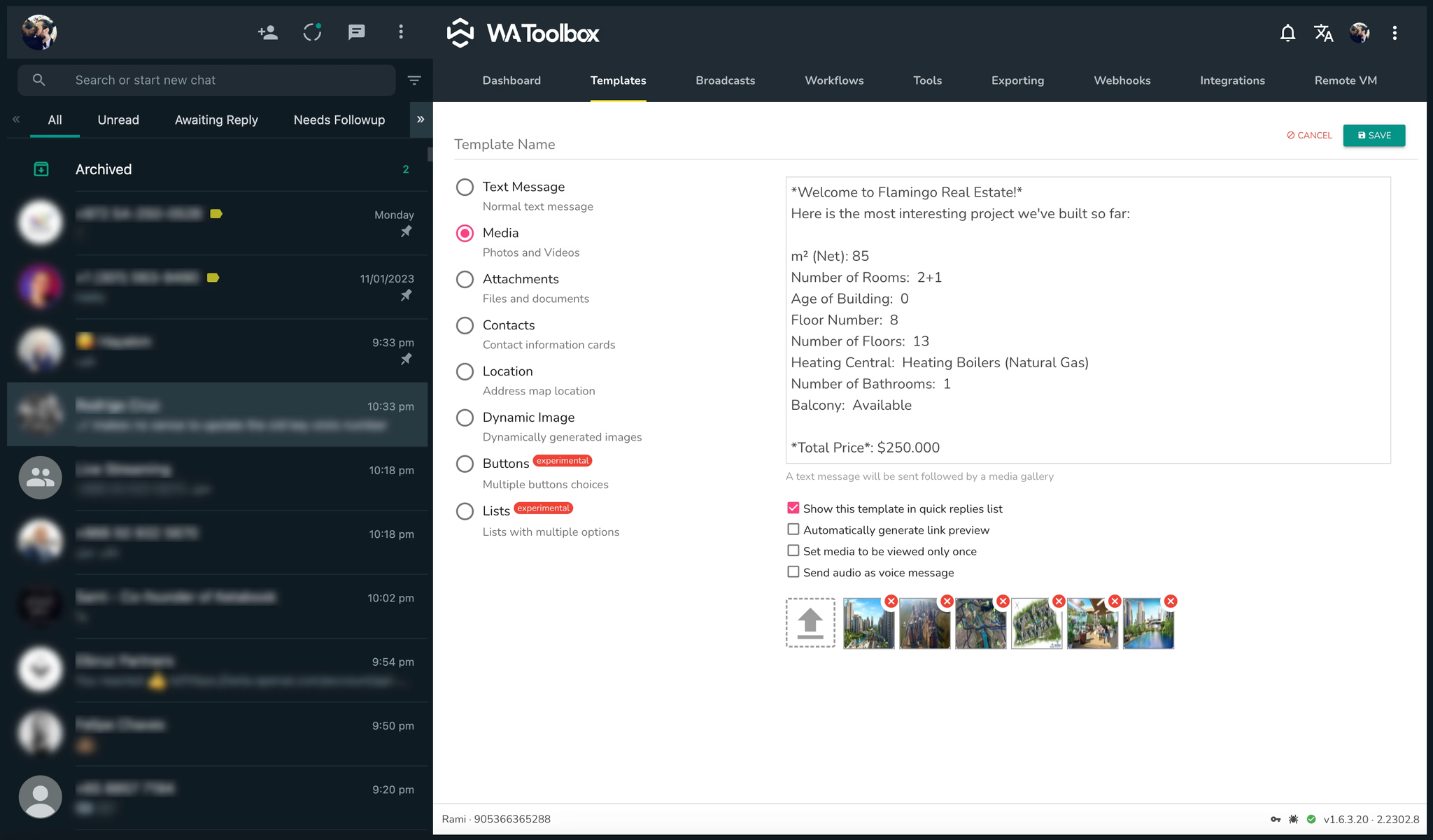
2- Media Templates Combine multiple photos, videos, and text. Unique options include:
Single-View Media: Set images or videos to be viewable once only.
Audio as Voice Messages: Send audio messages that appear as recorded voice notes for a personalized touch.
3- Attachments Templates: Send multiple files, documents, and text in one message, ensuring all necessary information reaches the client.
4- Contact Templates: Quickly share single or multiple contact cards with clients along with a text message for seamless introductions.
5- Location Templates: Share Google Maps links with a message, making it easy to send directions or meeting points directly.
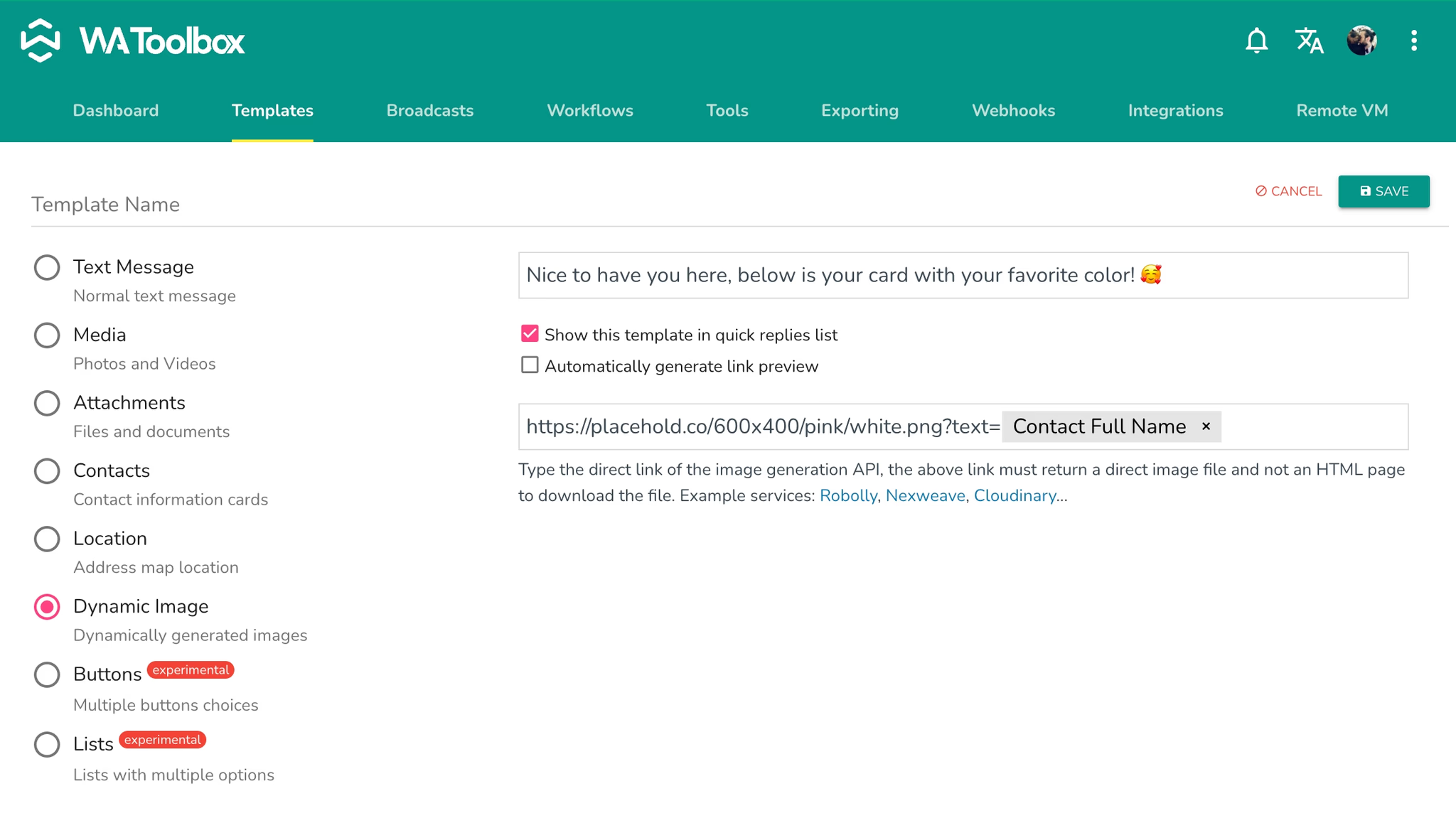
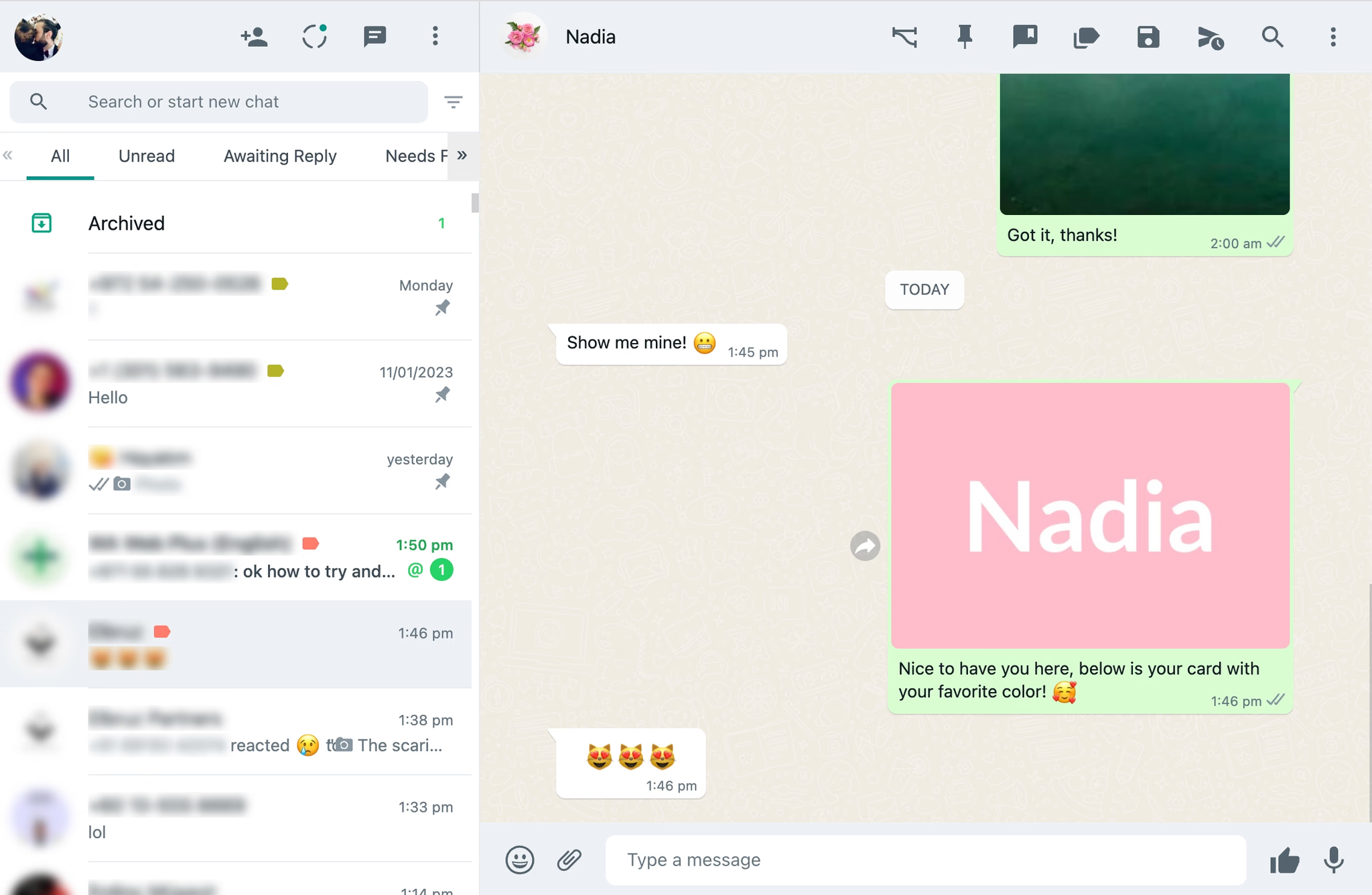
6- Dynamic Image Templates: Generate images automatically based on client data with services like Robolly, Nexweave, or Cloudinary. Perfect for customizable certificates, avatars, or personalized images. For instance, create an image with the client’s name and send it back in real time.
This is an example of a free dynamic image generation service that will create a fancy image holding the name of the user who contacts me and sends it back to them.
Please note that WA Toolbox stopped supporting button templates.